AIkitchenremodelfromyourphoto.

Upload your current kitchen photo, compare remodel ideas, and set the remodel boundaries before you spend on the real work.

  • Keep your layout or open it up
  • Compare light refresh to full rebuild
  • 30+ remodel-ready templates
  • 3 free generations
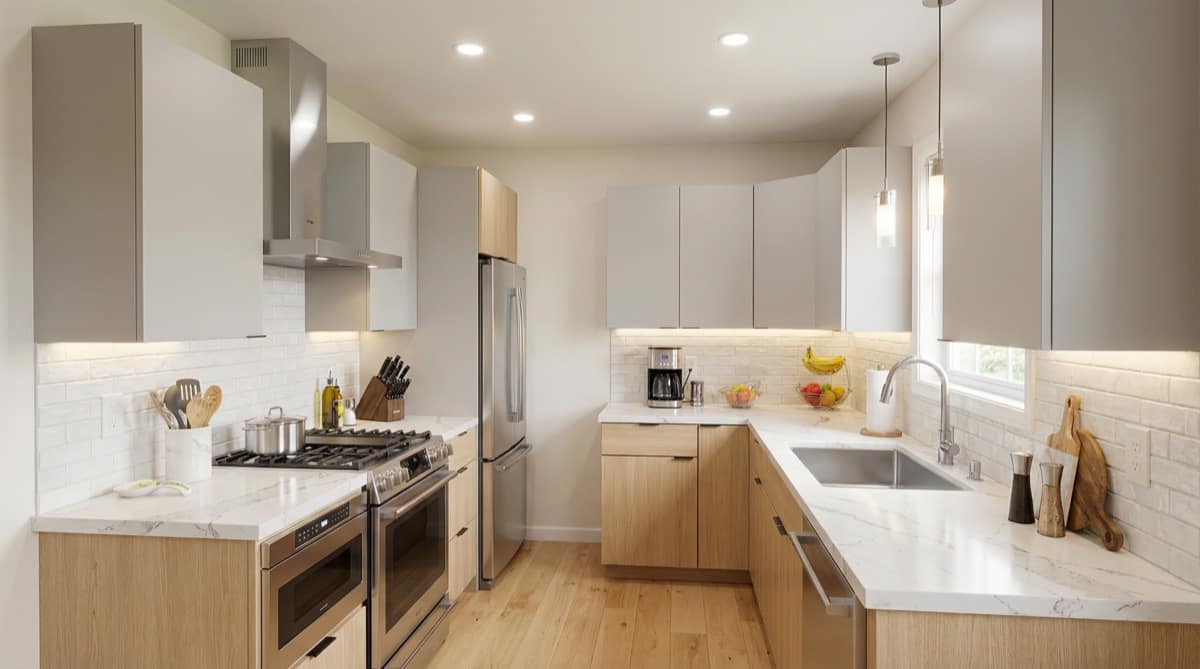
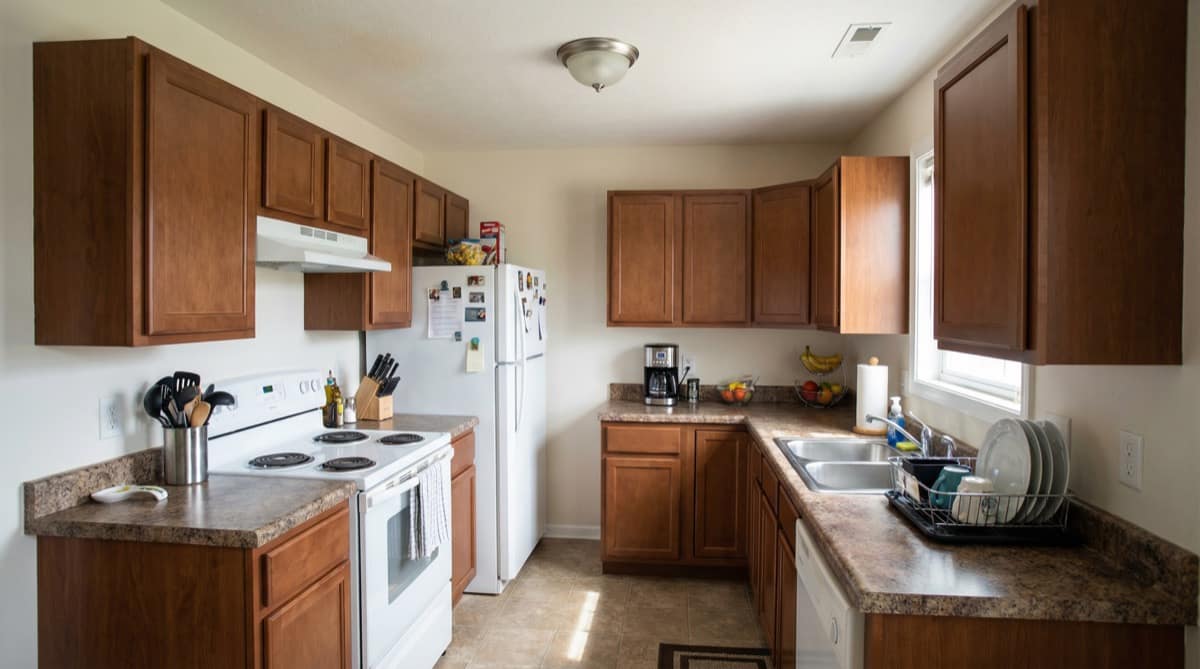
Drag left or right to compare the original kitchen photo and the AI redesign preview.
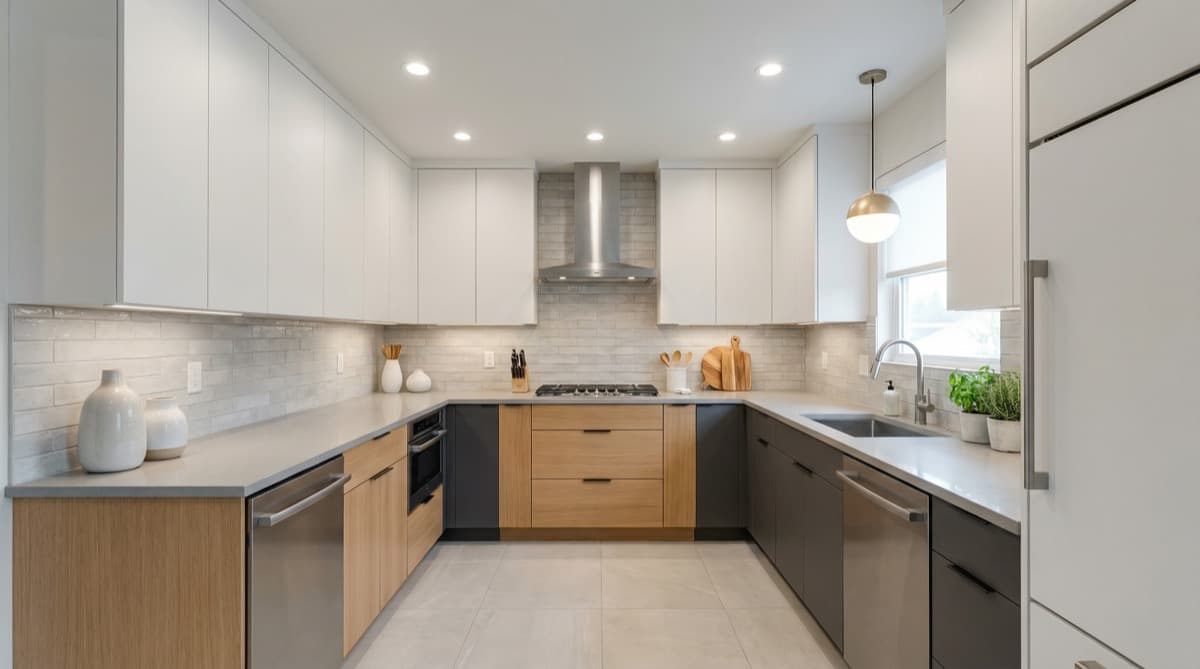
Bright Modern Kitchen remodel preview
Current kitchen

Set up your AI kitchen remodel

Upload one current kitchen photo, choose a direction, and set the remodel boundaries before you continue into the full dashboard run.

Photo + Direction

Current Remodel Direction

This direction will be used when you continue into the dashboard.

Bright Modern Kitchen

Bright Modern Kitchen

Cleaner reset

Modern Light

Busy family kitchens that feel dark or storage-poor.

Add any finish, lighting, storage, or mood note that is not already covered by the controls.

Remodel Boundaries

Remodel scope

Layout changes

Must keep

Choose a Remodel Template

Pick a template

Start with the featured remodel templates. Expand when you want the full catalog.

Final step

Your photo, direction, and remodel controls will carry into the dashboard run.

Kitchen remodel ideas to try

Start with a low-risk refresh, a layout-preserving upgrade, or a fuller rebuild direction. Then apply one idea to your own kitchen photo and see how the before-and-after shift feels before you talk price.

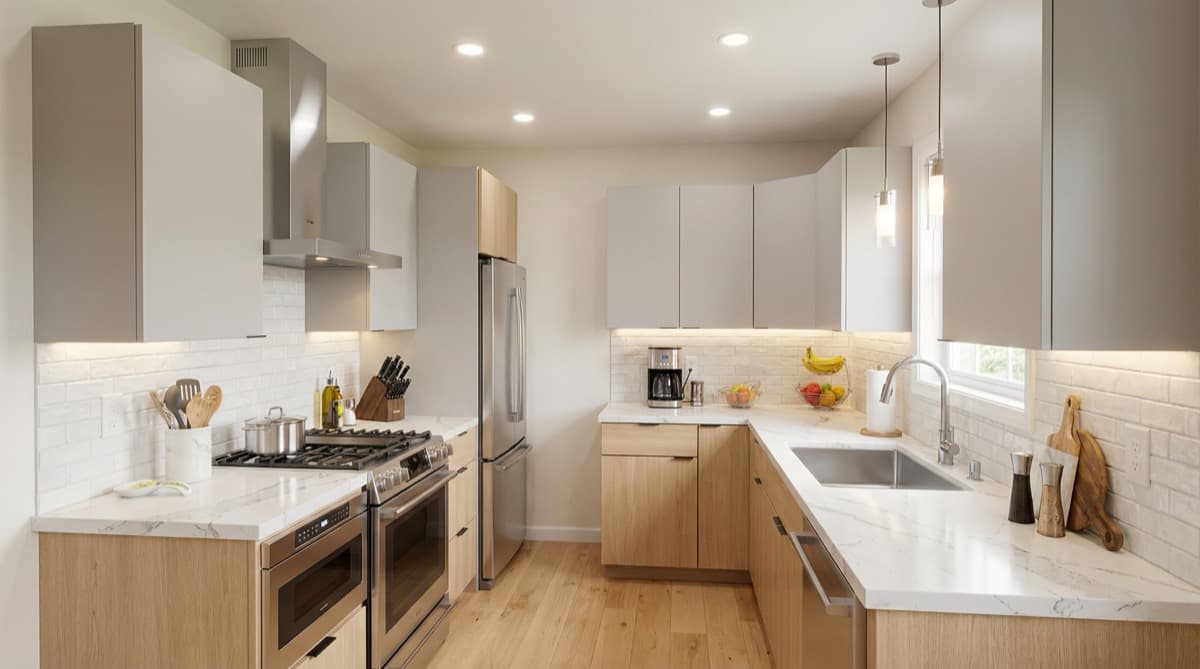
Modern Light

Cleaner reset

Modern Light

Brightens a compact kitchen with lighter cabinetry, cleaner contrast, and stronger task lighting.

What changed

  • Cabinet fronts updated
  • Lighting upgraded
  • Storage feeling cleaned up
  • Layout: Keep layout
  • Keep: Keep walls and openings
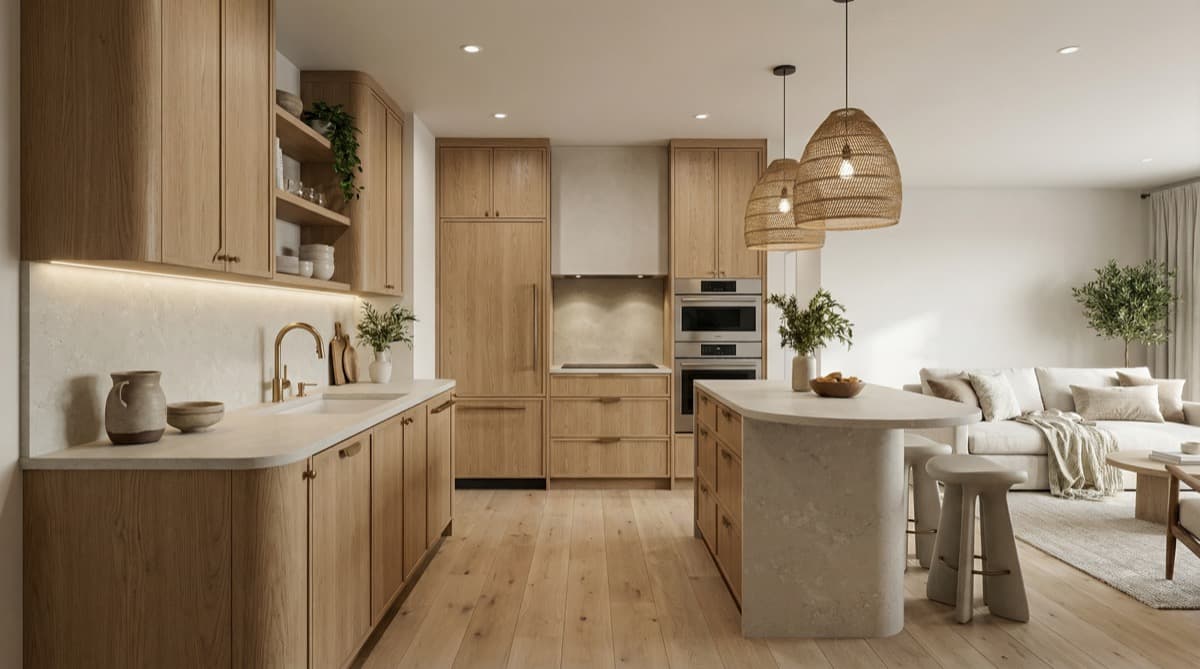
Warm Wood Update

Softer warmth

Warm Wood Update

Uses oak and softer stone finishes to make the same shell feel more intentional and expensive.

What changed

  • Wood tone shifted warmer
  • Countertop refreshed
  • Zoning feels clearer
  • Layout: Keep layout
  • Keep: Keep walls and openings
Minimal Clean

Low-risk refresh

Minimal Clean

Simplifies cabinet lines and surfaces so the room feels more premium without dramatic change.

What changed

  • Visual clutter reduced
  • Cabinet lines simplified
  • Surfaces feel calmer
  • Layout: Keep layout
  • Keep: Keep walls and openings

AI kitchen remodel from photo FAQ

What is AI kitchen remodel from photo?

It is a remodel preview flow built around your existing kitchen. You upload your current kitchen photo, compare believable upgrade directions, and decide what feels worth changing before you spend on a real renovation.

Can I try AI kitchen remodel free?

Yes. Free starts with 3 trial credits, so you can test one kitchen photo, try a few remodel directions, and decide whether the remodel brief feels clear enough before paying. Unlike the broader homepage design flow, this remodel path stays focused on layout boundaries, how much change to make, and what parts of the current kitchen should stay fixed.

Can I keep my current kitchen layout?

Yes. Choose to keep your current layout and the remodel brief will preserve the main kitchen shell, openings, and overall room structure while still updating the finishes and direction.

Is this a construction plan or contractor quote tool?

No. This page is for remodel decision preview, not construction drawings, measurements, permits, or contractor quotes. It helps you narrow the direction before you step into those workflows.

Why use this before talking to a contractor?

It gives you a clearer remodel brief before the first contractor conversation. You can show the current kitchen, decide on layout boundaries, and compare how light or aggressive the remodel should feel before discussing price or scope.

Try one remodel idea on your own photo.

Upload your current kitchen photo, choose a direction, and continue into the dashboard for the remodel run.