Skip to kitchen generator

AIkitchendesignfromyourphoto.

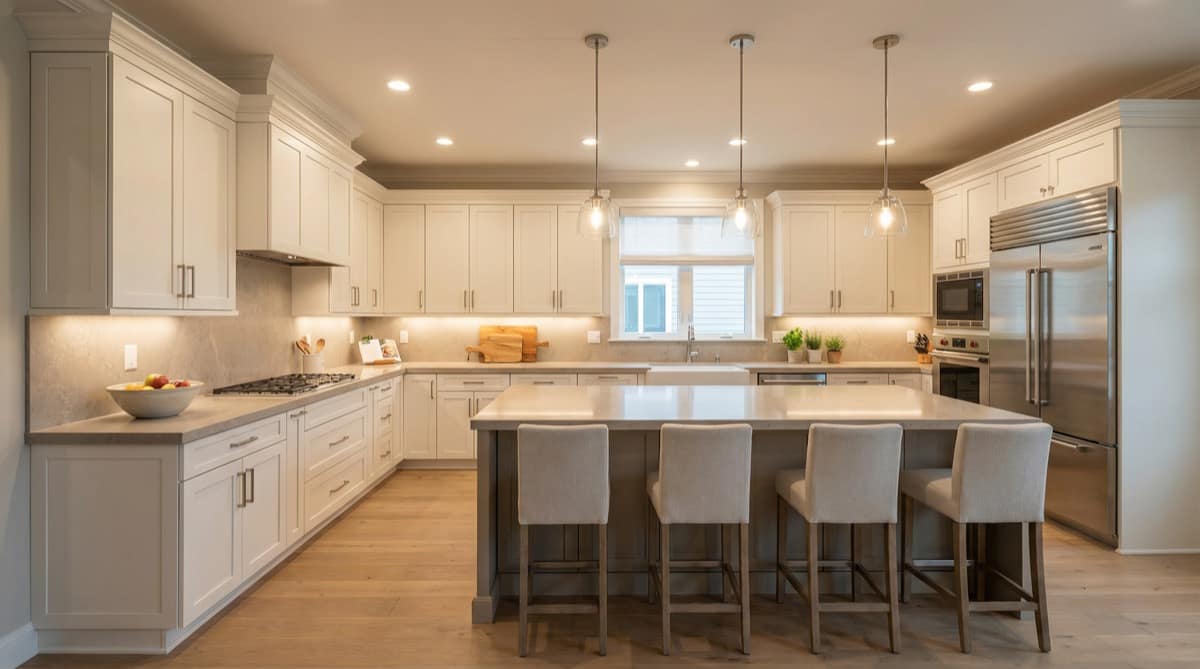
Upload one kitchen photo to compare realistic AI kitchen design ideas, keep your layout, and see style directions before you buy cabinets or start a remodel.

  • Keep your layout
  • Compare multiple directions
  • 30+ kitchen styles
  • 3 free generations
Progression step 5

Try It On Your Photo

Start Your AI Kitchen Design

3 free

Generations

30+

Style directions

1 photo

To get started

Why they start here

I uploaded one photo, tried a few styles, and felt confident about my kitchen before talking to any contractor.

Sarah K.

Sarah K.

Homeowner

It helps me get client buy-in much faster because they can react to a realistic direction instead of guessing from mood boards.

Michael T.

Michael T.

Interior Designer

We use it to show renovation upside early, and that makes buyers understand the value of the project almost immediately.

David L.

David L.

Property Developer

Example Transformations

Kitchen Style Transformations

See how one kitchen photo turns into multiple AI kitchen design directions. AI-generated examples.

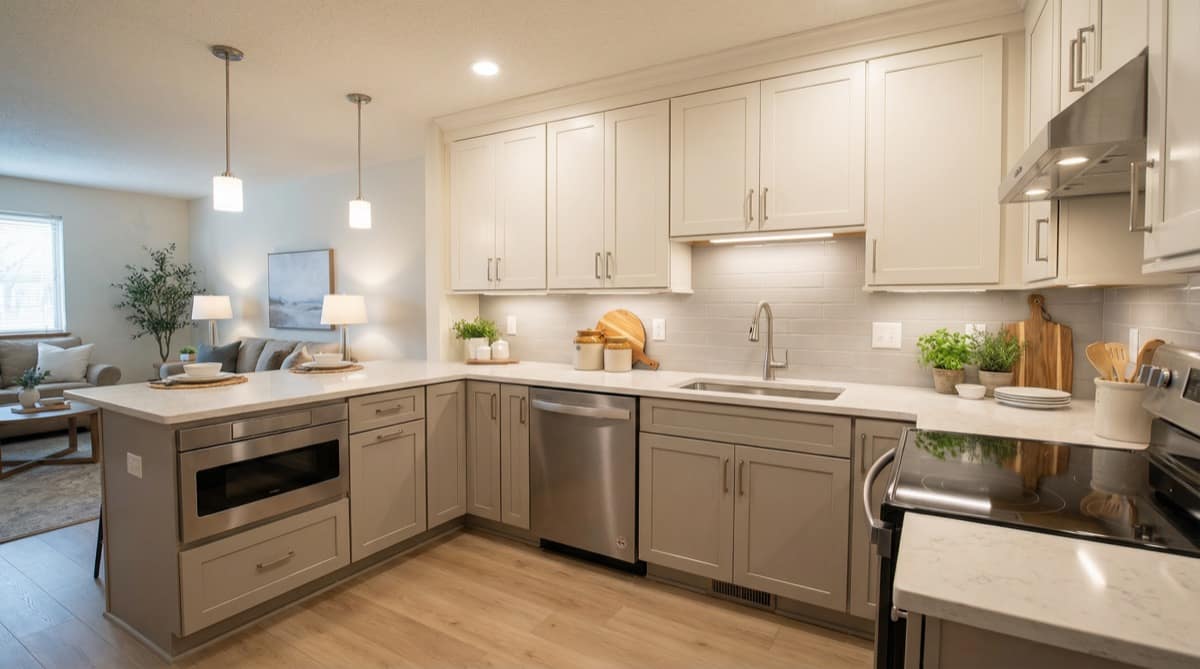
Suburban Island

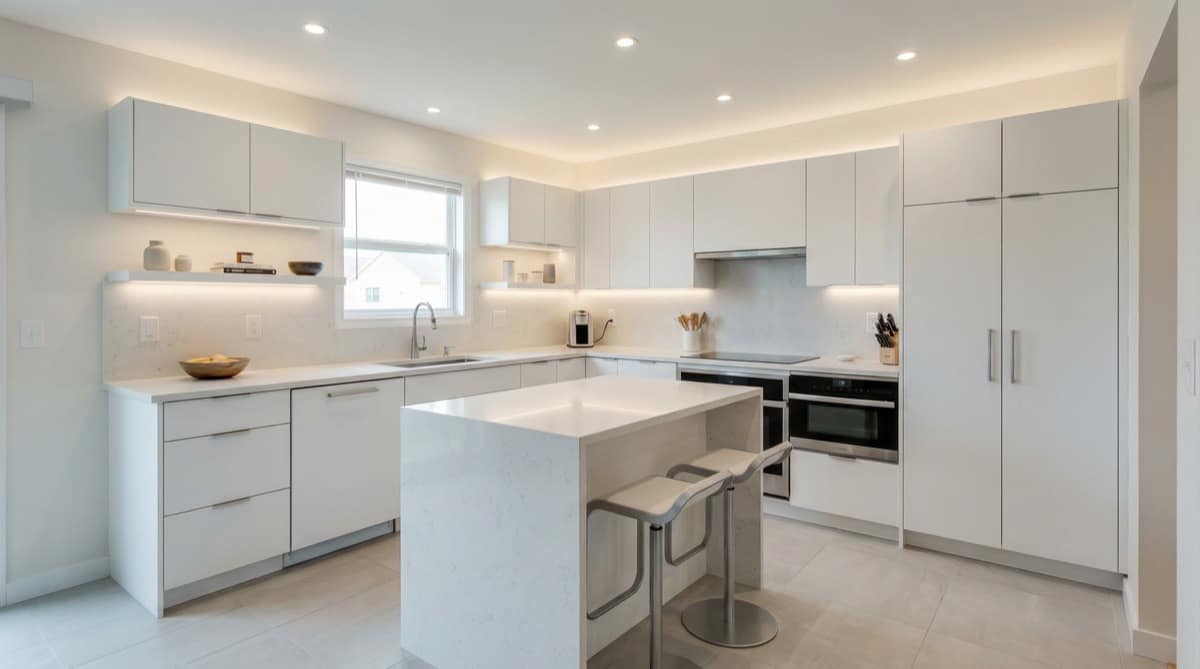
Minimal Clean

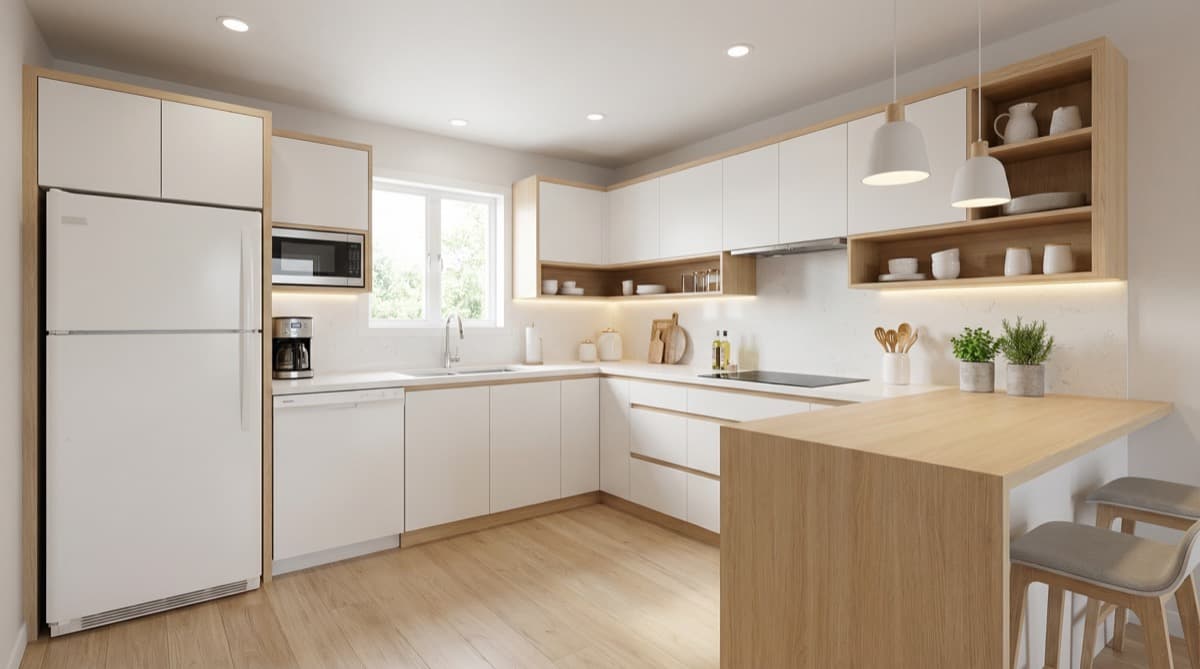
Turns a builder-grade suburban island kitchen into a cleaner, calmer minimal direction.

Dated Oak L-Shape

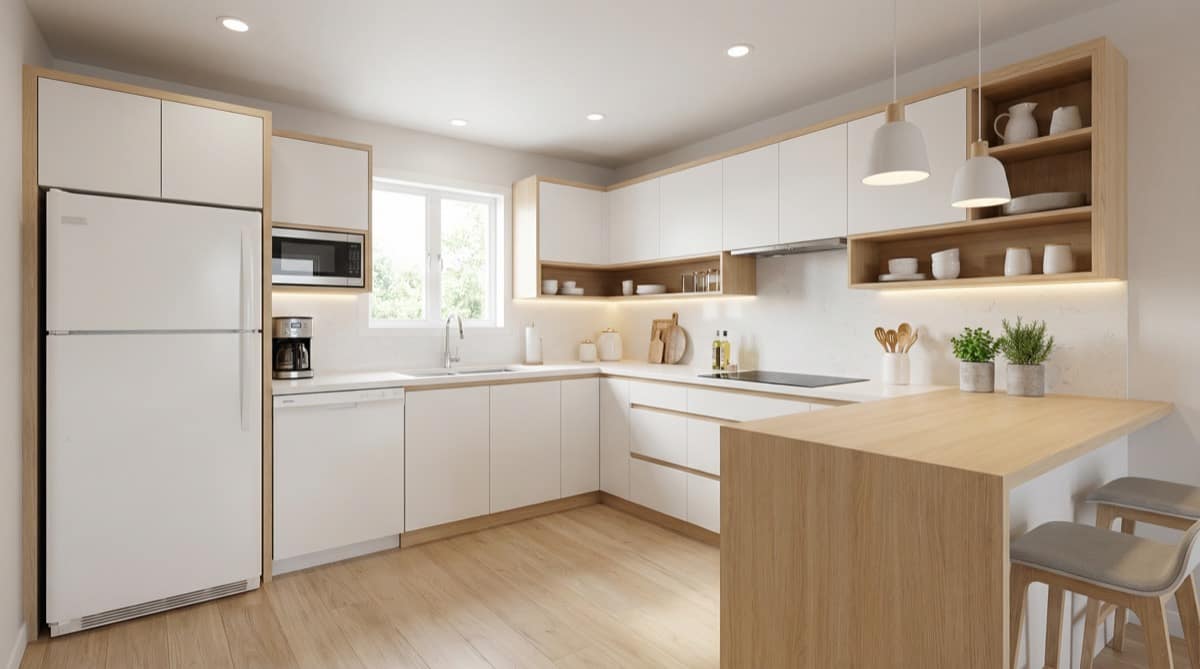
Scandinavian Light

Reframes a heavy oak L-shape into a brighter, softer Scandinavian kitchen.

Compact Apartment Galley

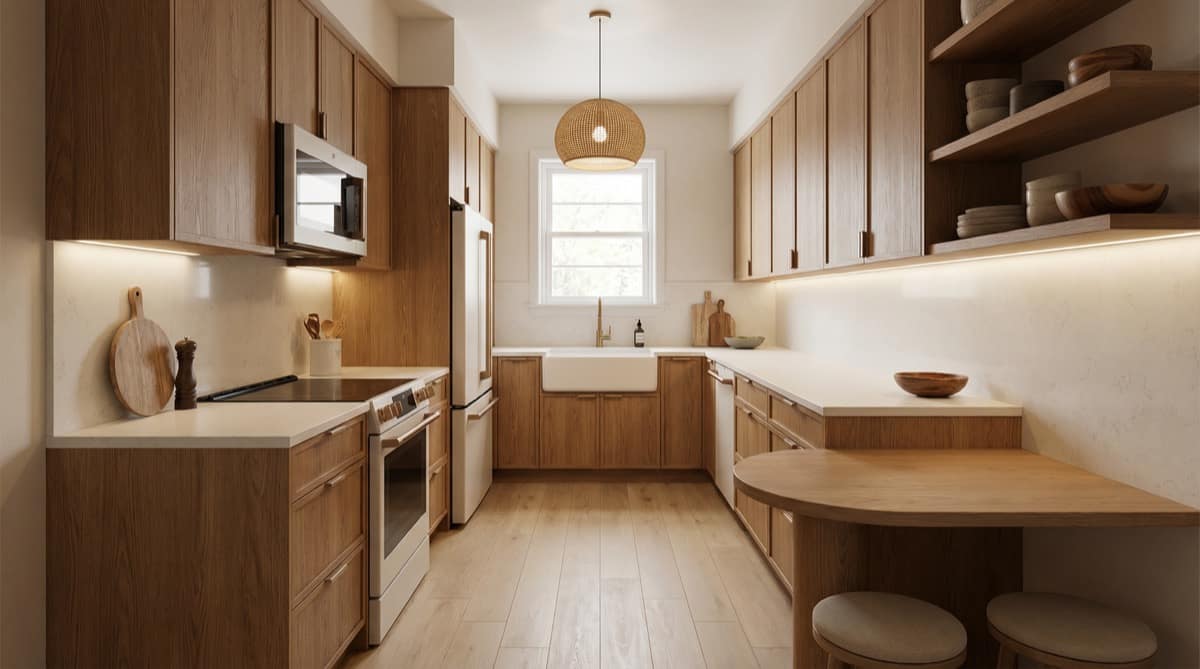
Japandi Warm

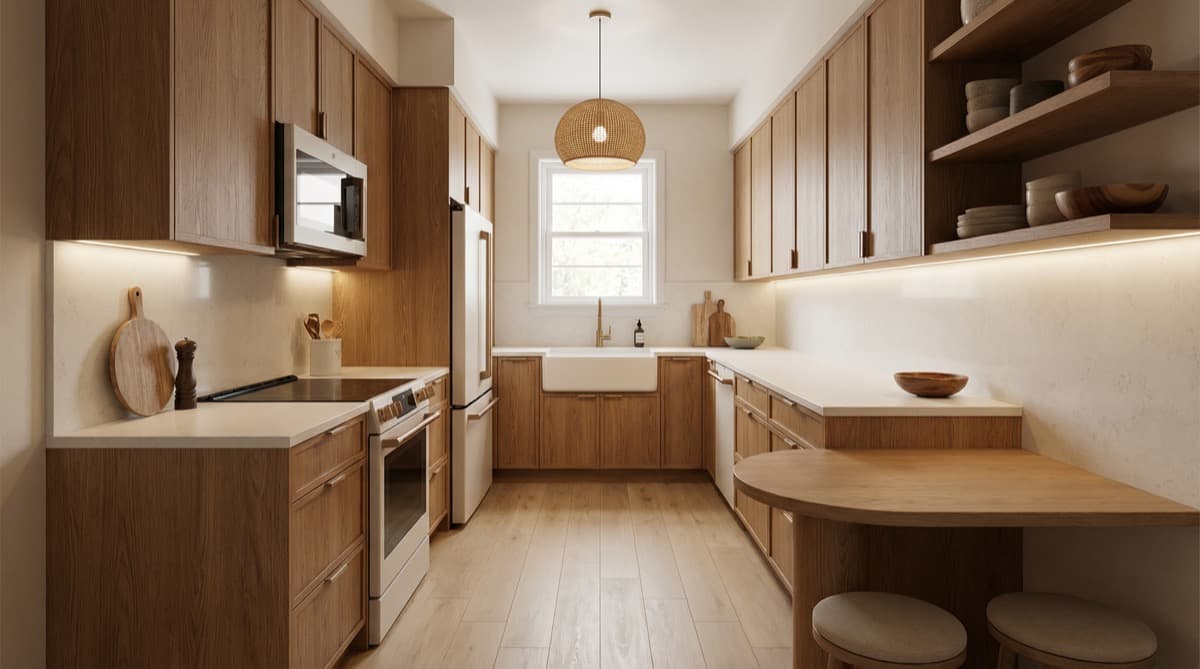
Makes a tight apartment galley feel calmer and more spacious through warm Japandi restraint.

Open-Plan Condo

Transitional Calm

Gives an open-plan condo a calmer transitional kitchen with much clearer zoning.

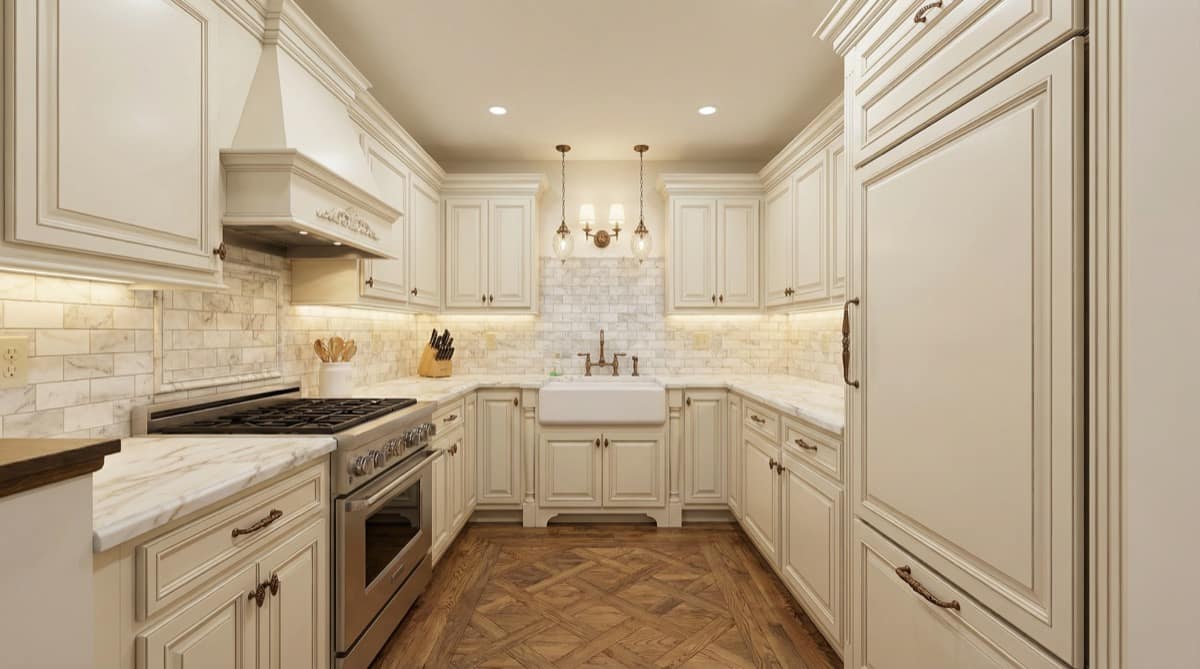
Narrow Townhouse U-Shape

Traditional Elegant

Adds symmetry and classic polish to a narrow townhouse U-shaped kitchen.

Storage-Poor Family Kitchen

Modern Bright

Solves visible storage pressure with a brighter modern layout and cleaner work zones.

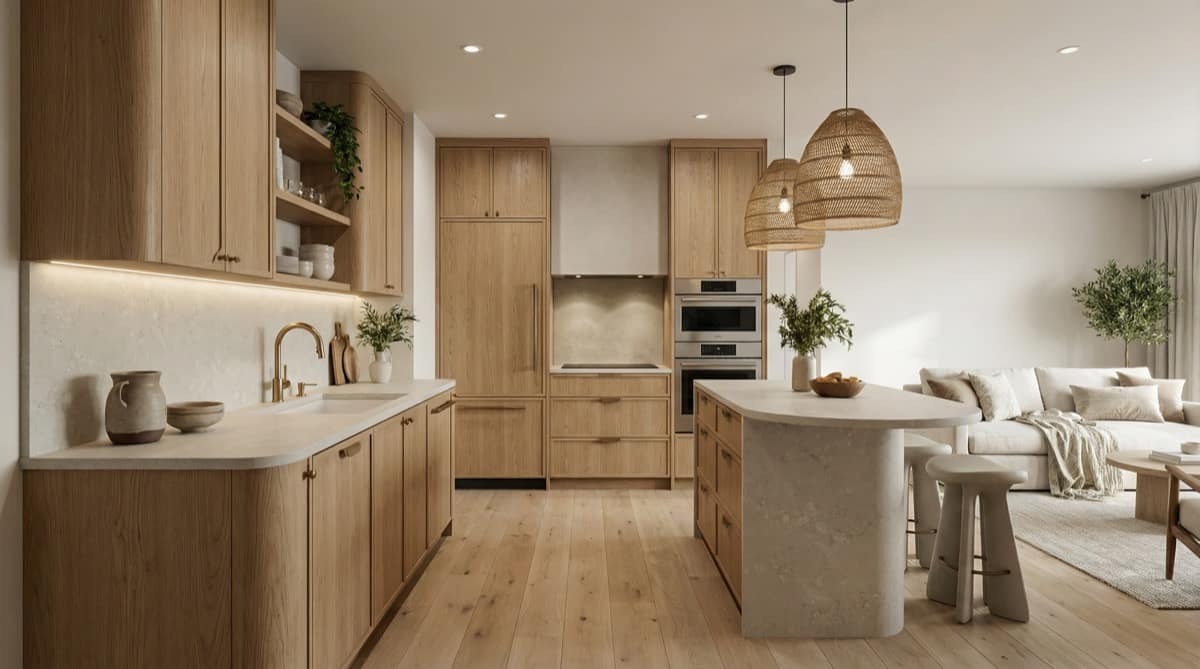
Open-Plan Condo

Organic Modern Oak

Uses warm oak materials to create clearer flow inside the same open-plan condo shell.

Dark Enclosed Legacy Kitchen

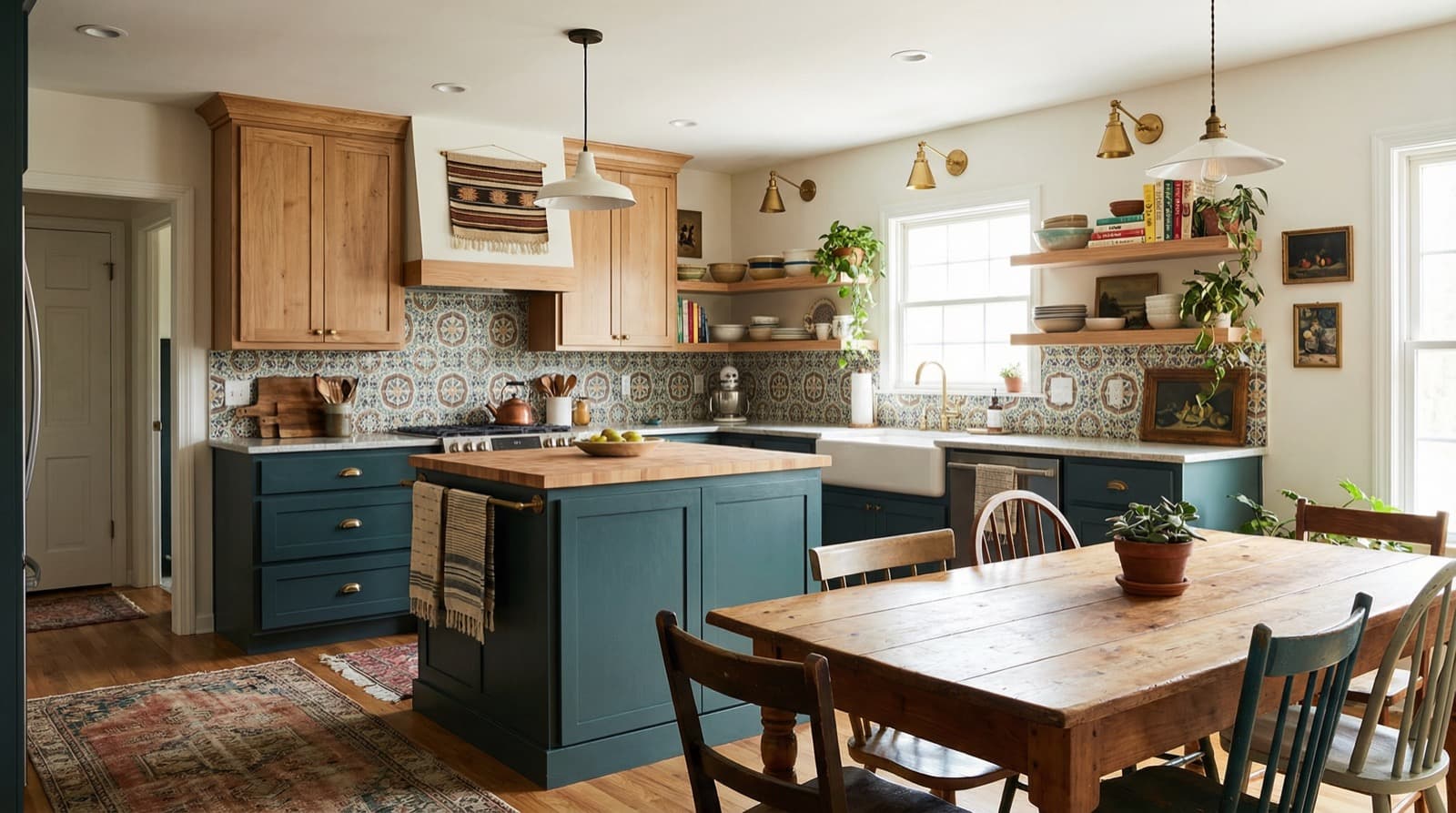
Farmhouse Warm

Turns a dark enclosed kitchen into a warmer farmhouse direction with stronger light layers.

Dated Oak Family Kitchen

Contemporary Soft

Softens a dated oak family kitchen into a smoother contemporary direction.

Compact Oak Family Kitchen

Modern Bright

Brightens a compact oak family kitchen with cleaner contrast and stronger task lighting.

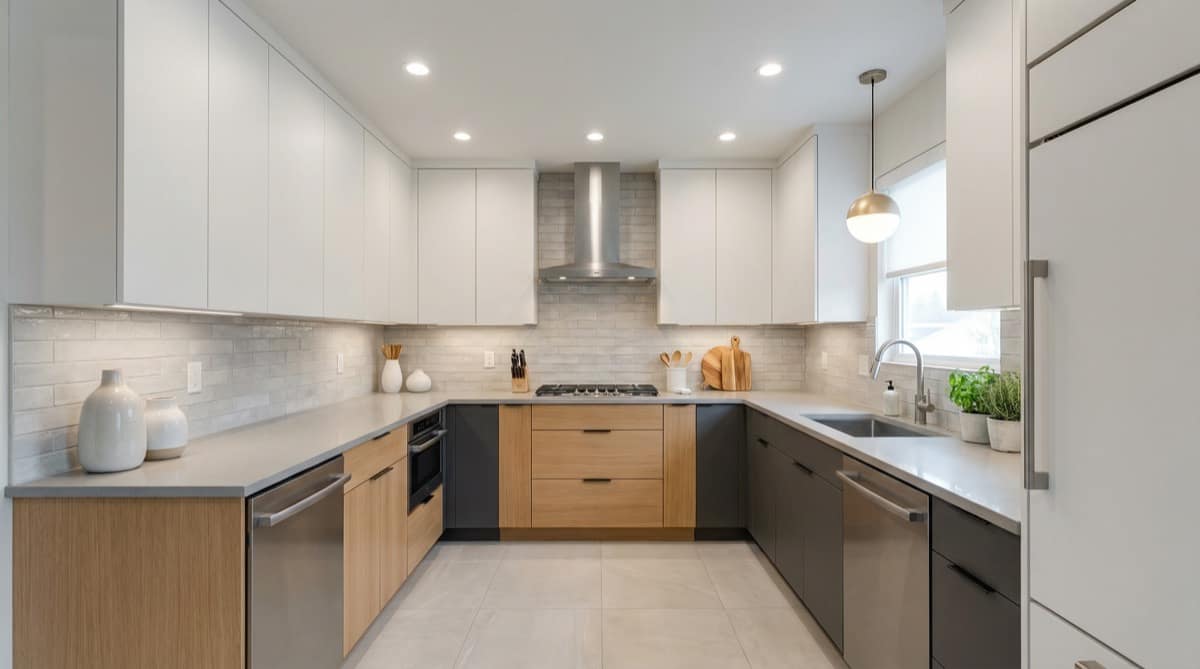
Oak U-Shape Family Kitchen

Minimal Clean

Makes a cabinet-heavy U-shape quieter and more premium through minimal clean simplification.

Suburban Island

Minimal Clean

Turns a builder-grade suburban island kitchen into a cleaner, calmer minimal direction.

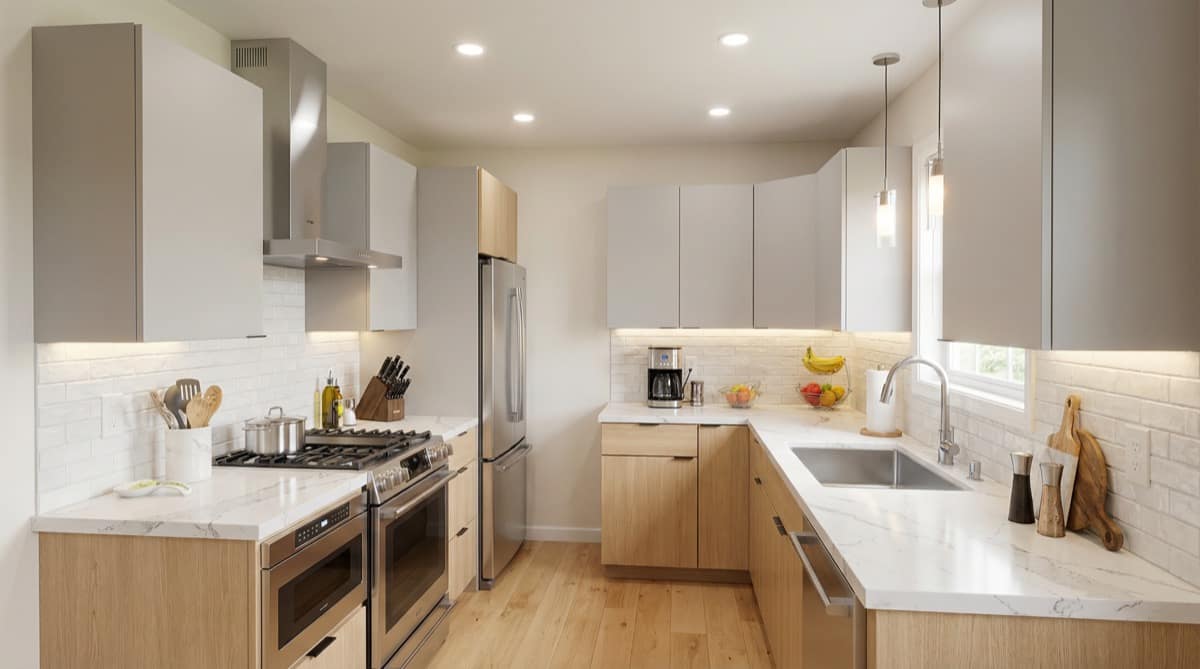
Dated Oak L-Shape

Scandinavian Light

Reframes a heavy oak L-shape into a brighter, softer Scandinavian kitchen.

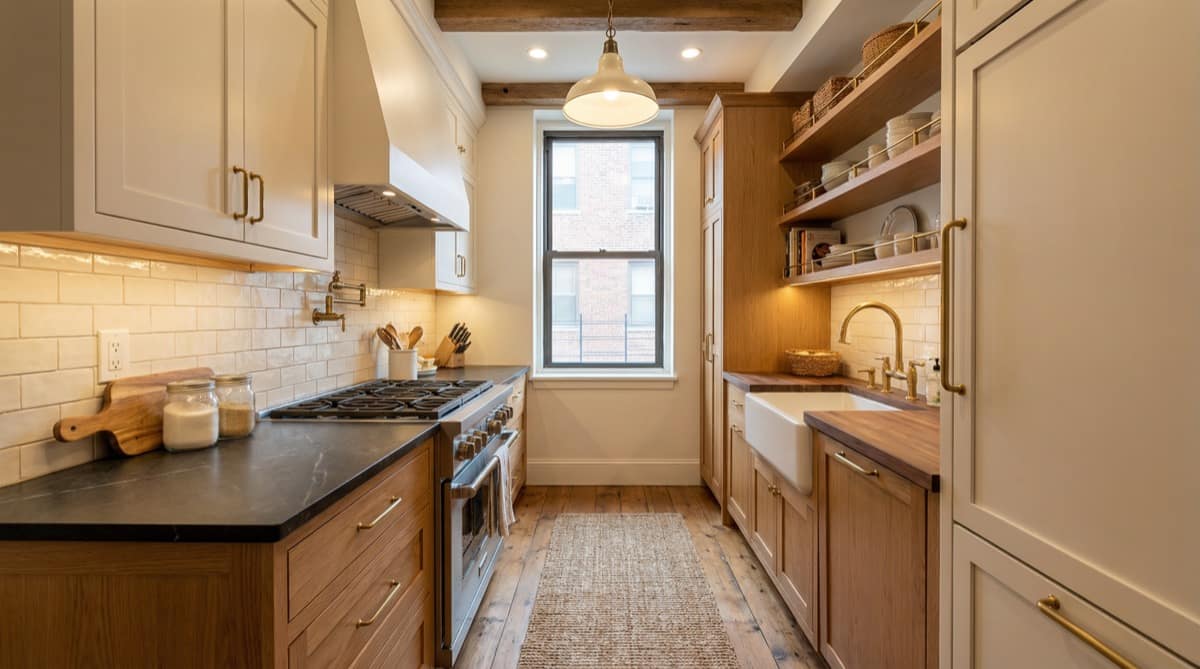
Compact Apartment Galley

Japandi Warm

Makes a tight apartment galley feel calmer and more spacious through warm Japandi restraint.

Open-Plan Condo

Transitional Calm

Gives an open-plan condo a calmer transitional kitchen with much clearer zoning.

Narrow Townhouse U-Shape

Traditional Elegant

Adds symmetry and classic polish to a narrow townhouse U-shaped kitchen.

Storage-Poor Family Kitchen

Modern Bright

Solves visible storage pressure with a brighter modern layout and cleaner work zones.

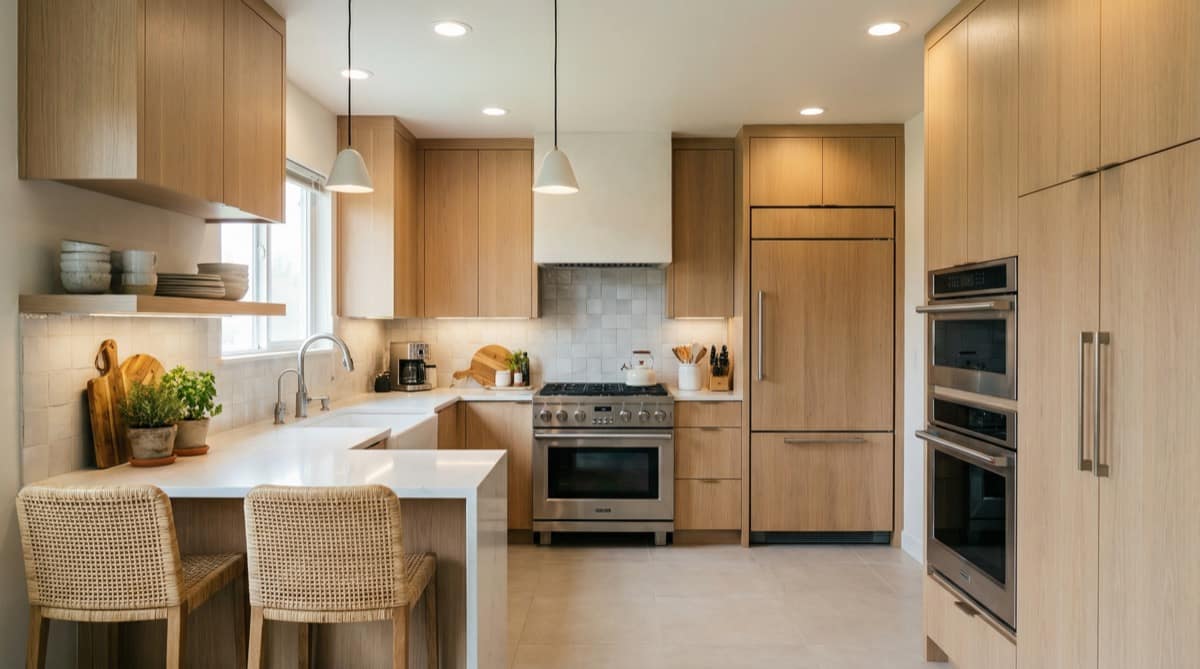
Open-Plan Condo

Organic Modern Oak

Uses warm oak materials to create clearer flow inside the same open-plan condo shell.

Dark Enclosed Legacy Kitchen

Farmhouse Warm

Turns a dark enclosed kitchen into a warmer farmhouse direction with stronger light layers.

Dated Oak Family Kitchen

Contemporary Soft

Softens a dated oak family kitchen into a smoother contemporary direction.

Compact Oak Family Kitchen

Modern Bright

Brightens a compact oak family kitchen with cleaner contrast and stronger task lighting.

Oak U-Shape Family Kitchen

Minimal Clean

Makes a cabinet-heavy U-shape quieter and more premium through minimal clean simplification.

The Process

Create an AI Kitchen Design in 4 Steps

Use one kitchen photo to compare cabinets, materials, lighting, and style direction before remodel decisions.

01

Upload

Upload Your Kitchen Photo

  • One kitchen photo is enough to start your first AI kitchen design
  • iPhone, DSLR, listing photo, furnished room, or in-progress remodel all work
  • PNG, JPG, and WebP up to 10 MB
02

Style

Choose a Kitchen Style Direction

  • Compare 30+ kitchen directions, from modern and Scandinavian to farmhouse and luxury
  • Start with a tuned preset instead of writing everything from scratch
  • Use style templates to narrow down the right kitchen design direction faster
03

Refine

Tell AI What Should Change

  • One sentence is enough: cabinets, backsplash, counters, lighting, or color
  • Include "keep the same layout" when you want style changes without structural moves
  • Skip this step if the preset already matches the kitchen direction you want
04

Result

Generate Your Kitchen Design Preview

  • See a realistic kitchen design direction in under a minute
  • Compare ideas before buying cabinets, counters, or talking to contractors
  • Download the image or save it to your gallery after sign-in

Typically under a minute ·
from photo to kitchen design direction

Prompts That Create Clearer Results

One clear sentence helps AI focus on the kitchen changes that matter most.

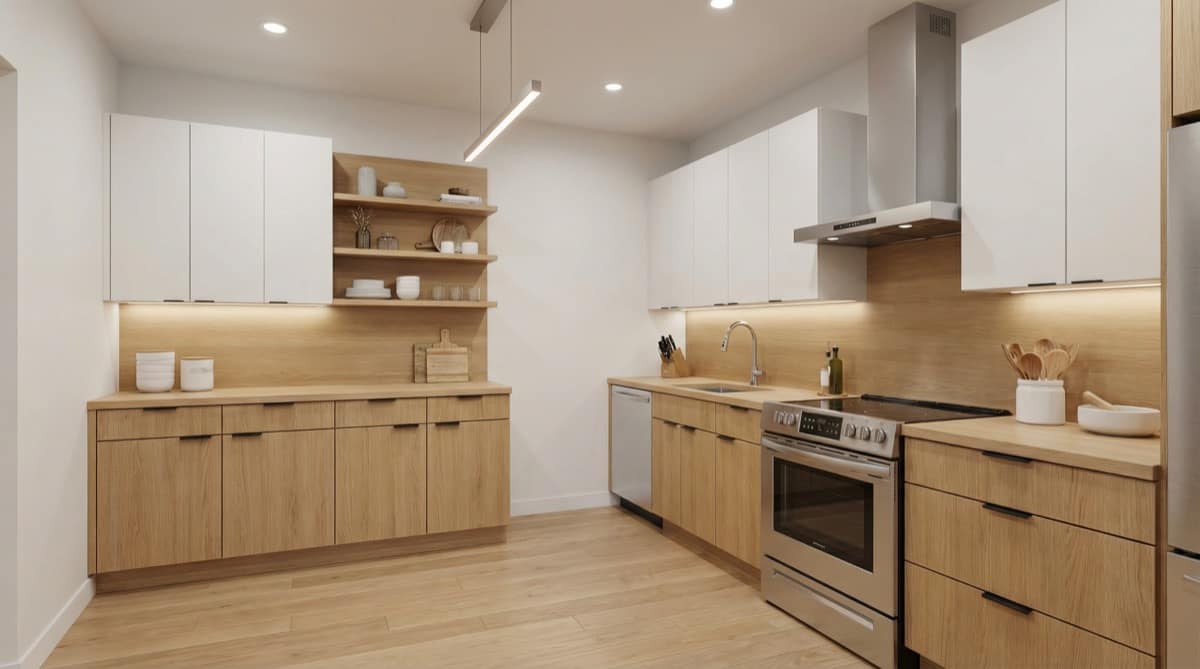
Scandinavian
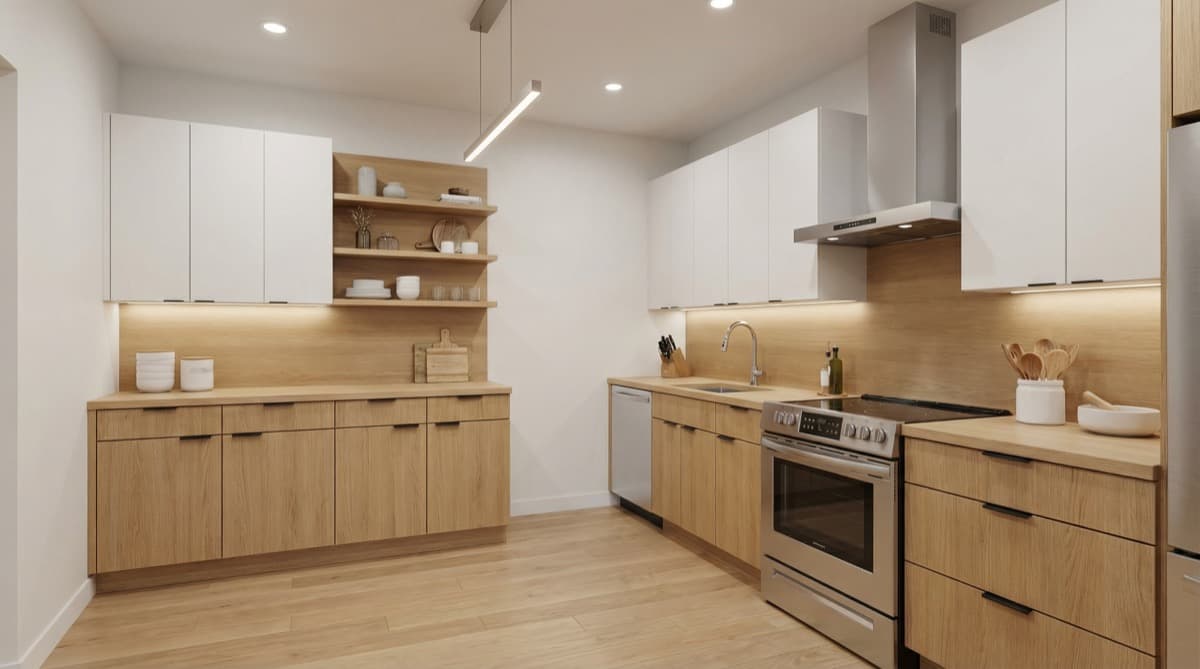
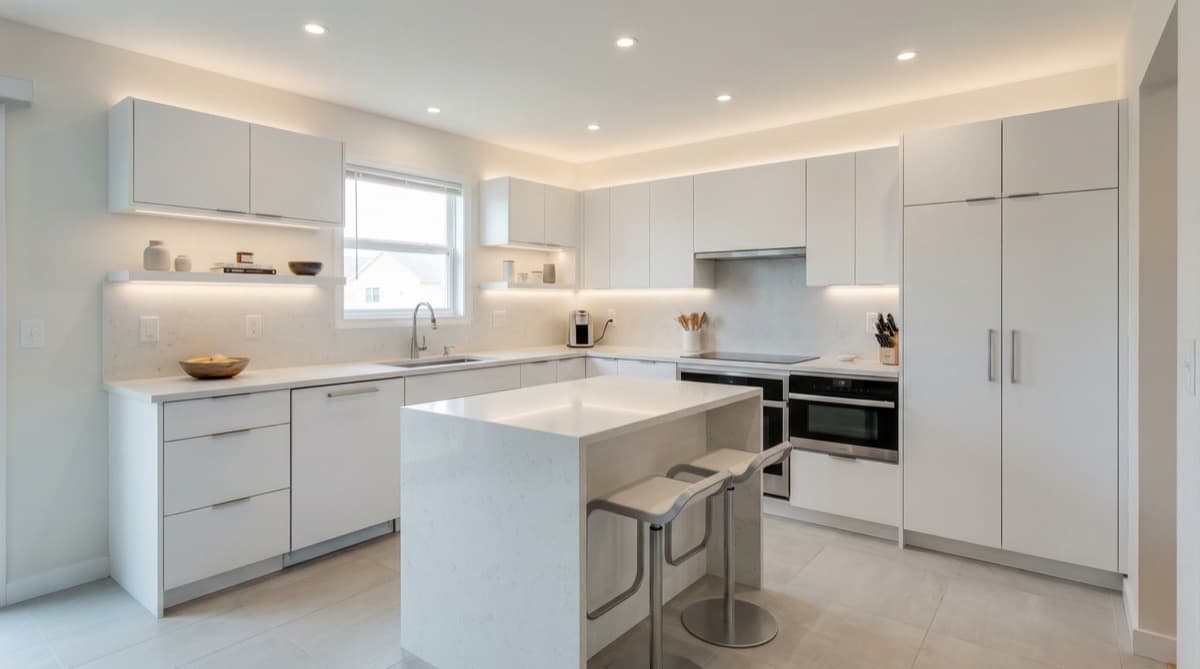
Keep layout unchanged, replace upper cabinets with open shelving, use white oak wood tones, add under-cabinet LED strips.

→ AI Result ↓

Scandinavian kitchen result
AI Result
Japandi
Transform to Japandi style: remove upper cabinets, add minimal floating shelves, warm natural wood lowers, white walls.

→ AI Result ↓

Japandi kitchen result
AI Result
Luxury
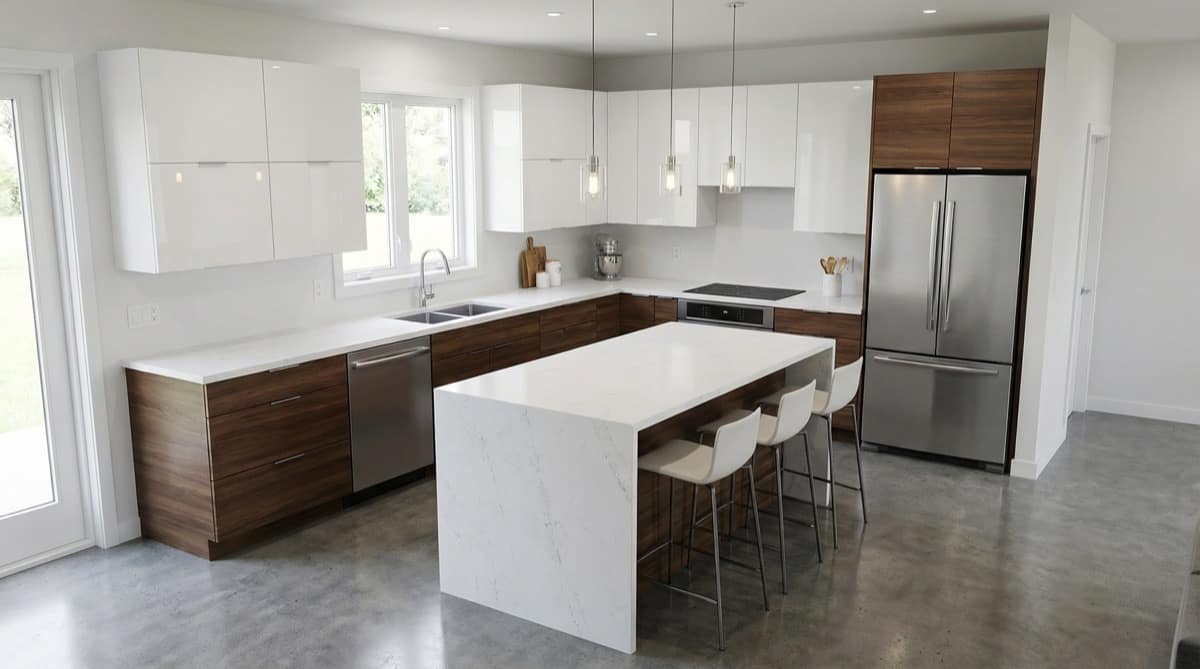
Upgrade to luxury look: add waterfall island edge, dark charcoal lower cabinets, statement pendant lights above island.

→ AI Result ↓

Luxury kitchen result
AI Result

Avoid

Vague goals: "make it beautiful" or "nicer"Architecture changes: moving walls, adding windowsBrand names (use descriptors instead)Too many instructions in one prompt — one focus per generation

Ready to start?

See your kitchen redesigned before you commit.

Upload one photo and compare style directions in under a minute.

No credit card. No commitment.

Where People Start

Who Starts With AI Kitchen Design?

Different roles use the same first step: get a clear kitchen design direction before expensive decisions.

Direction

Homeowners

I can't picture what my kitchen will look like after renovation.

  • See 30+ style directions before calling a contractor
  • Compare cabinets, counters, and lighting in your real kitchen
  • Align with your family on one clear visual direction
  • Rule out weak options before renovation starts
Client Buy-In

Interior Designers

Clients approve faster when a concept sketch becomes a realistic kitchen preview.

  • Turn concept sketches into client-ready visuals in minutes
  • Validate layout and material intent before detailed render work
  • Reduce revision loops with clearer approvals earlier
  • Walk into the next conversation with clarity
Pre-Sale

Builders & Developers

Plans sell faster when buyers can picture the finished kitchen before it exists.

  • Turn CAD or planning drawings into sales-ready kitchen visuals
  • Support pre-sale conversations before full construction begins
  • Align buyers and stakeholders on finish level much earlier
  • Shortlist finishes before ordering samples

See the design first.
Commit later.

Compare kitchen design directions, validate finish ideas, and gain clarity before committing to contractors or purchasing cabinets.

First 3 generations free
No card required

Transitional clean kitchen rendering

AI Kitchen Design FAQ

Answers about creating AI kitchen design ideas from one photo before you commit to a remodel.

What is AI kitchen design from photo?+

It means starting with one photo of your real kitchen and using AI to preview different design directions in that same space before you commit to materials or renovation decisions.

Is this a free AI kitchen design tool?+

Yes. You can start with one kitchen photo, try a style direction, and preview AI-generated results before paying for a plan.

Can I start with just one kitchen photo for AI kitchen design?+

Yes. One kitchen photo is enough to generate a first design direction. You do not need CAD files, a floor plan, or multiple room angles to get started.

Can AI kitchen design keep the same kitchen layout?+

Yes. Include "keep the same layout" in your prompt and focus on cabinets, materials, lighting, or color changes instead of structural changes.

What parts of my kitchen can AI kitchen design change?+

It works best for cabinets, countertops, backsplash, lighting, color palette, hardware, and overall style direction. It is not meant for major structural changes like moving walls or windows.

Can AI kitchen design help before a kitchen remodel?+

Yes. It is built for early remodel planning, so you can compare styles, narrow down materials, and discuss a clearer direction before buying cabinets or hiring contractors.

Which kitchen styles can I try?+

You can explore modern, Scandinavian, Japandi, farmhouse, contemporary, and other kitchen directions using the built-in style templates.

Do I need CAD or a floor plan first?+

No. The homepage workflow is designed for people starting from a real kitchen photo. CAD, floor plans, and detailed measurements are optional, not required.

Do I need to write a long prompt?+

No. One clear sentence is enough. Start with what should stay the same and what should change, then regenerate if you want a tighter direction.

Which image formats are supported for kitchen photos?+

JPG, PNG, and WEBP are supported with a max upload size of 10MB.

Beautiful kitchen interior

See your kitchen,
redesigned.

Upload one photo, choose a style, and preview an AI kitchen design direction before you commit to a remodel.

Remodel Planning

Move from style inspiration into remodel-specific planning before you spend on materials or quotes.

Privacy-first processing